Owner
Sees the receivables picture and the jobs at risk, without asking anyone to build a report.
How it works
The job is done and the invoice is out. Everything after that is where money gets lost. Here is how MyPureCash keeps that stretch under control.
The workflow
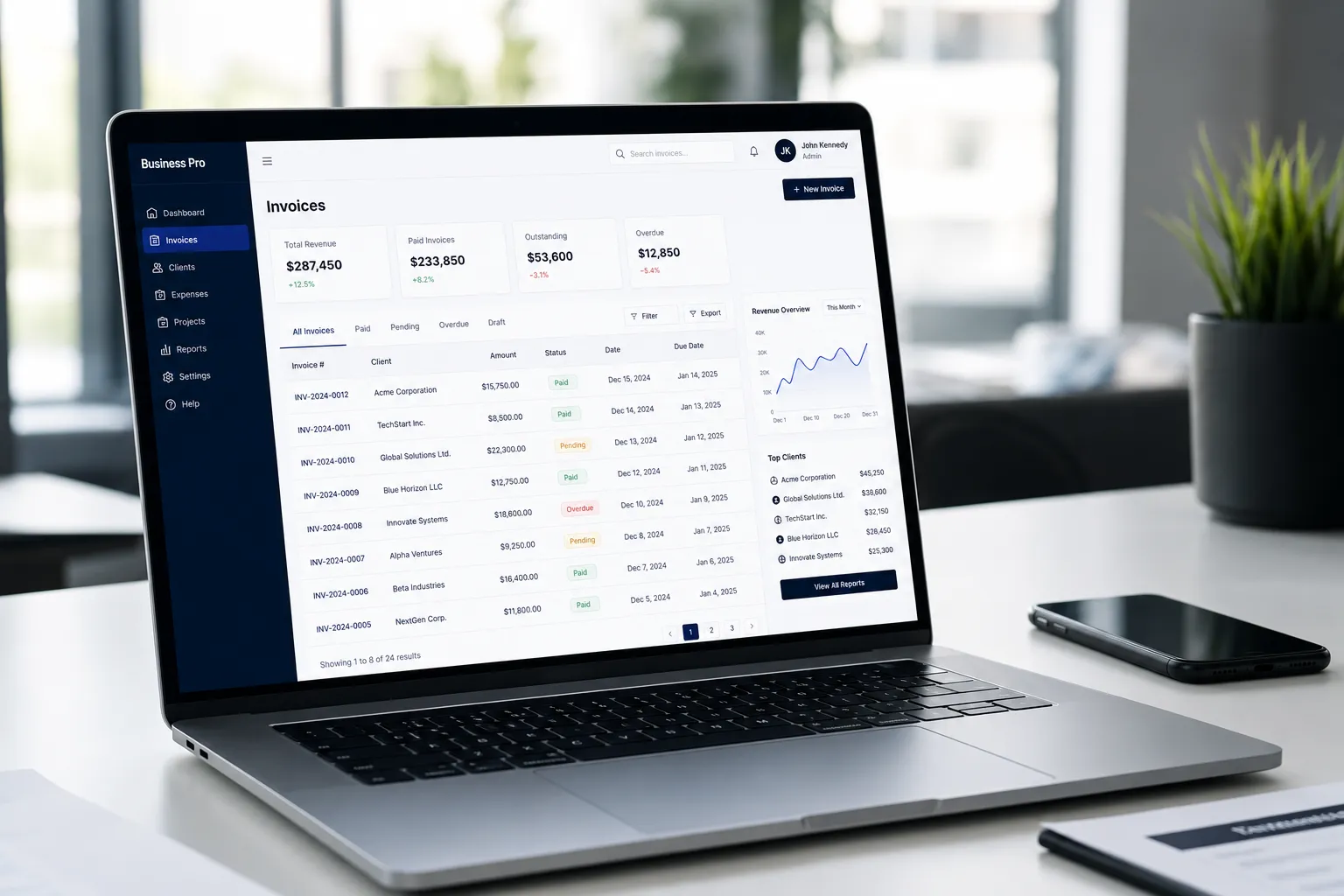
Each open invoice follows the same path through MyPureCash, so your office runs the same play on every job instead of improvising.
Bring in the invoices you raised in QuickBooks or entered by hand. Each one becomes a working record your whole office can see, not a line item buried in accounting.
Photos, moisture logs, work authorizations, program forms, itemized scopes. Keep the documentation each carrier or TPA demands on the invoice it belongs to, so a request never sends someone digging.
Every invoice shows its current status and the specific reason it has not been paid, whether that is an adjuster review, a missing signature, or a requirement you still owe.
Give the follow-up to a specific person with a due date. The work stops living in one manager's head and starts showing up on the right desk.
MyPureCash keeps the next touch in front of your team, so an invoice does not go quiet for three weeks because everyone assumed someone else had it.
Mark what came in and watch how each payer actually behaves over time, so you learn which programs pay quickly and which ones need a firmer hand.
Who does what
The owner, the bookkeeper, and the person making calls all care about the same invoice for different reasons. Everyone works from the same record, with their own view.
Sees the receivables picture and the jobs at risk, without asking anyone to build a report.
Keeps balances and payments straight and reconciles against the books your company already runs.
Works a clear list of who to contact next and why, with the history of every touch on the invoice.
Supplies the field documentation that payment depends on and sees exactly which jobs are waiting on it.
Once you are a customer
After you log in to the application, you can connect your company's QuickBooks Online through the official authorization process. MyPureCash then brings in your customers, jobs, invoices, open balances, and payments so your list stays current. Each company connects only its own books, and this happens inside the secure application rather than here on the website.
See what MyPureCash tracksRequest a demo
We will show you the workflow against the kinds of jobs and payers your office handles, so you can picture it on Monday morning.